Best AI Note Taking Apps in 2026: Tested, Ranked, and Brutally Honest
You're in back-to-back meetings, your brain is full, and someone's going to ask you for a summary by EOD. Manual note-taking isn't a workflow — it's a bottleneck. It's a tax on your attention that compounds every time you sit in a call, a lecture, or a product review.
AI note taking has exploded in 2026. There are now dozens of tools promising to capture, transcribe, summarize, and action everything you say. The market has matured fast — and with that maturity comes noise. Most operators don't need another app to manage. They need a system that runs without them babysitting it.
This guide cuts through the hype. We tested 25+ AI note taking apps across real meetings, lectures, and unstructured voice memos — then ranked the best free and paid options with a clear decision framework. By the end, you'll know exactly which tool to plug in and why, so you can stop thinking about it and start running.
What Is AI Note Taking (And Why Manual Notes Are Dead)
AI note taking is the automated capture, transcription, summarization, and retrieval of spoken or written information — without a human doing the work in real time. The best tools in 2026 don't just record. They extract action items, identify speakers, tag topics, and deliver structured outputs your team can actually use.
Manual note-taking fails at scale for three reasons: missed context (you can't write and listen simultaneously), time cost (a 60-minute meeting can take 30 minutes to document), and inconsistency (every person structures notes differently). Multiply that across a team of five running 10 client calls a week, and you've built a slow, expensive bottleneck into your operations.
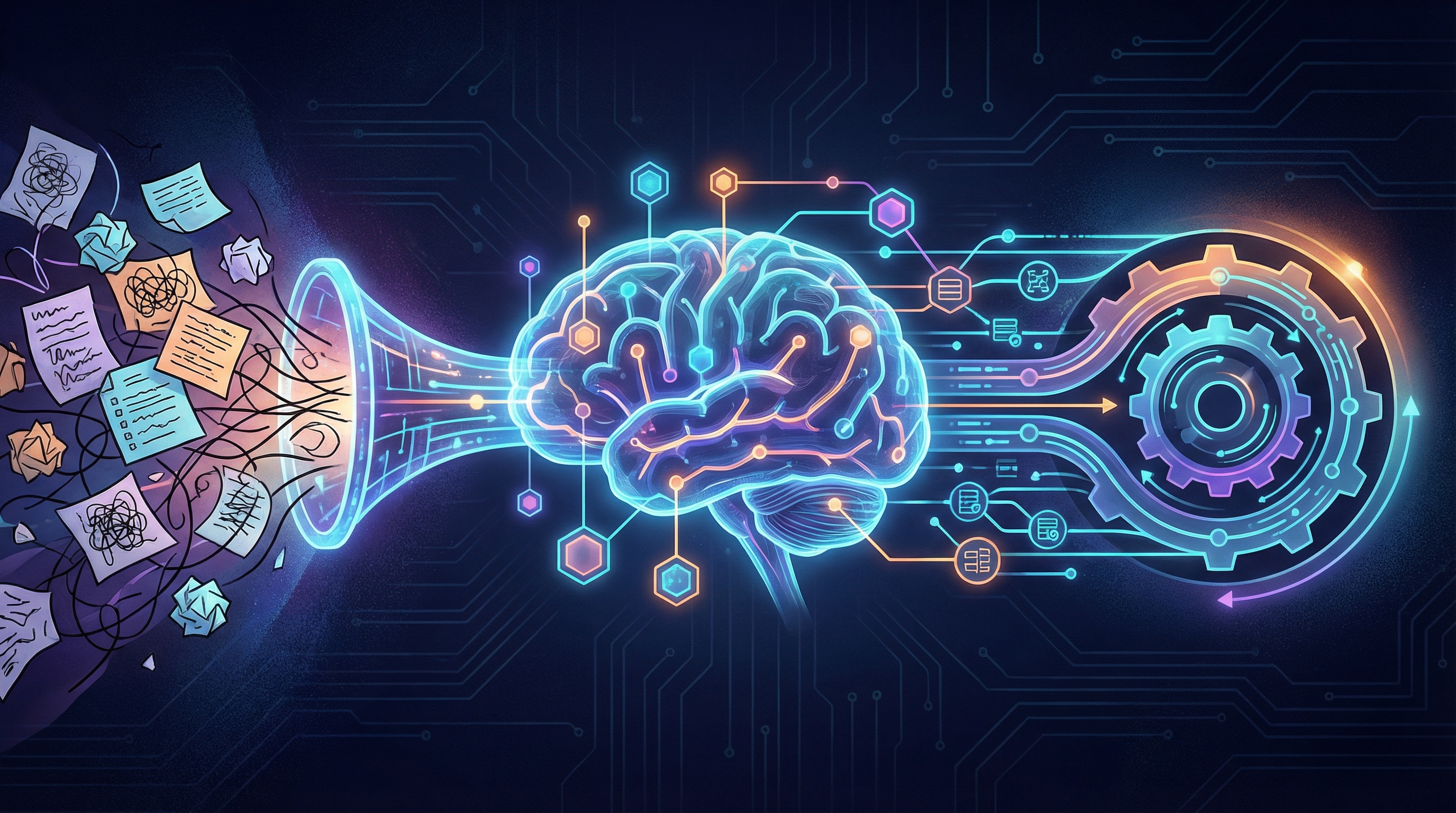
AI note takers replace that bottleneck with a pipeline. Audio in, structured intelligence out.
How AI Note Taking Actually Works Under the Hood
Most tools operate across three layers:
Speech recognition layer. The audio gets converted to text using models like OpenAI's Whisper or proprietary engines built by companies like Otter.ai or Fireflies. Accuracy rates in 2026 are consistently above 90% for clear audio, with top tools hitting 95%+ on standard English [1].
NLP summarization and topic detection layer. Once transcribed, large language models parse the text to identify key themes, decisions, and action items. This is where tools diverge — some produce generic bullet summaries while others generate structured briefs with assignable tasks.
Integration layer. Meeting integrations (Zoom, Google Meet, Microsoft Teams), browser extensions, mobile apps, and APIs connect the output to the rest of your workflow — CRM, project management, Slack, Notion. The integration layer is often where cheap tools fall apart.
Output formats vary by tool but typically include: full transcripts, condensed summaries, action item lists, topic timestamps, and searchable archives you can query later.
Is There an AI for Note Taking? The 2026 Landscape
Yes — and the answer has been yes for a while. But in 2026, the landscape has matured into 30+ serious contenders across distinct categories [2].
Meeting notetakers (Otter.ai, Fireflies.ai, tl;dv) focus on real-time capture during video calls. Lecture and study tools (NoteGPT, Turbo AI) are optimized for long-form audio, YouTube videos, and PDFs. Voice memo summarizers handle unstructured recordings. Document summarizers process existing text and return structured briefs.
Key players in 2026 include Otter.ai, Fireflies.ai, tl;dv, NoteGPT, Plaud.ai, Notion AI, and a growing wave of vertical-specific tools targeting legal, medical, and sales use cases.
When evaluating any tool, run it through four filters: transcription accuracy on your actual content, integration depth with your existing stack, privacy compliance for your jurisdiction and client commitments, and free tier limits versus what you'll actually need at your volume.
Best AI Note Taking Apps in 2026 — Tested and Ranked
Our ranking methodology: each tool was run through real meetings (30–90 minutes), unstructured voice memos, and lecture-style content. We scored on transcription accuracy, summarization quality, integration breadth, pricing structure, and time-to-value from initial setup.
| Tool | Free Tier | Best For | Standout Feature |
|---|---|---|---|
| Otter.ai | 300 mins/month | Teams, meetings | Live notes + calendar sync |
| Fireflies.ai | 800 mins storage | Agencies, CRM users | CRM sync, automation |
| tl;dv | Unlimited recordings | Async-first teams | Timestamp highlights |
| NoteGPT | Yes (capped) | Students, solo users | YouTube + PDF summarization |
| Plaud.ai | Hardware + app | On-the-go capture | Physical AI recorder |
| Turbo AI | Limited free | Researchers, learners | Deep content synthesis |
Best AI Note Taker for Meetings
Otter.ai remains the most accessible meeting notetaker for teams new to AI capture. Its calendar integration is seamless — it joins scheduled calls automatically, produces live notes visible to all participants, and delivers a timestamped summary within minutes. The free tier (300 minutes/month) is genuinely usable for solo operators running light meeting loads.
Fireflies.ai is built for teams that need more than notes — it's built for automation. CRM sync (HubSpot, Salesforce), Slack notifications, and action item extraction that flows directly into project tools make it the strongest choice for agencies managing multiple client relationships. If your ops goal is to eliminate manual post-meeting admin, Fireflies is the closest thing to a system that runs itself.
tl;dv is the pick for async-first teams. Its video-first architecture lets you clip, timestamp, and share specific moments from a recording — no one has to watch the full meeting. For distributed teams making product decisions or capturing client feedback, this is the most efficient format [2].
Best Free AI Note Taking Apps
Free tiers in 2026 are real — but understand the ceiling before you hit it.
NoteGPT [3] offers one of the most functional free plans on the market. You get summarization for YouTube videos, PDFs, and audio files, plus a note library you can search and organize. The free tier has monthly usage limits, but for a solo founder or student, it covers meaningful volume without a credit card.
Otter.ai's free tier gives you 300 transcription minutes per month — enough for roughly five to six standard meetings. Export options are limited on the free plan, which matters if you want to pipe notes into other tools.
tl;dv offers unlimited recording storage on its free plan, which is rare and genuinely valuable. The catch: advanced AI summaries and CRM integrations are paywalled.
Expect these limitations across all free tiers: storage caps, monthly minute limits, restricted export formats, and no API access. Free is a valid starting point — it's not a permanent operating system.
Best AI Note Taker for Students and Learning
For students and researchers, the use case shifts from meeting capture to content synthesis. NoteGPT [3] and Turbo AI [4] lead this category.
NoteGPT lets you paste a YouTube URL or upload a PDF and get a structured summary in seconds. For lecture recordings, it extracts key concepts, generates flashcards, and builds quiz-ready content automatically. It functions less like a note-taking app and more like an autonomous study system.
Turbo AI [4] is strong for researchers who need deep synthesis across multiple documents — it can cross-reference sources and surface connections that manual review would miss.
Plaud.ai [5] takes a different approach: it's a physical AI recorder that captures audio anywhere — lectures, conversations, field research — and syncs to an app for transcription and summarization. For students who move between physical and digital environments, the hardware-software combination removes friction that pure-app solutions create.
Are AI Notetakers Legal? What You Need to Know
This is the question most teams skip until it's too late. Here's the direct answer: AI note taking is legal in most jurisdictions when configured correctly. Ignorance is the actual risk.
The core issue is consent. In the US, federal law requires one-party consent for recording — meaning one person in the conversation must consent, and that can be you. But 11 states (including California, Florida, and Illinois) require all-party consent. Recording a call with a California-based client without disclosure is a legal liability, not a gray area.
In the EU, GDPR applies. Recording calls with EU-based participants requires explicit consent and clear data handling disclosure. Most enterprise-grade tools (Fireflies, Otter.ai) have GDPR-compliant configurations, but you need to activate them.
Best practices: announce the bot at the start of every call, give participants an opt-out mechanism, and document your disclosure process. For enterprise deployments, verify SOC 2 compliance, HIPAA readiness (if applicable), and data retention policies before committing.
Enterprise compliance isn't optional. It's a system configuration, and most tools support it — you just have to set it up [1].
Free vs. Paid AI Note Taking — What's the Real Tradeoff
Free tiers are real but capped. The question isn't whether free tools work — it's whether they work at your volume.
Here's the math: if a $20/month paid plan saves your team two hours of manual post-meeting documentation per week, you're recapturing roughly $60–$100 in labor cost at even modest hourly rates. The paid tool pays for itself in the first week.
What paid tiers unlock:
- Higher accuracy models on complex audio
- Longer recording limits (often unlimited)
- Advanced search across your entire note history
- CRM sync and API access
- Priority support and compliance certifications
Which AI is 100% free and actually usable in 2026? NoteGPT [3] and tl;dv's free tier are the most functional. Otter.ai's free plan is usable but constrained. Tools marketing themselves as "free" with 10-minute limits or watermarked exports aren't free — they're demos.
Stay free if you're running fewer than five meetings per week and don't need CRM integration. Upgrade when the free tier becomes the ceiling on what your workflow can do.
How to Choose the Right AI Note Taker for Your Use Case
The decision framework is simple: meeting volume, team size, integration stack, and budget.
High meeting volume + CRM needs = Fireflies. Solo with light use = Otter.ai free or NoteGPT. Async team = tl;dv. On-the-go capture = Plaud.ai. Student or researcher = NoteGPT or Turbo AI.
The 30% rule for AI is a useful calibration: AI should handle the ~30% of your cognitive work that drains focus without adding strategic value. Note-taking is exactly that — necessary, non-differentiating, and fully automatable. Deploying an AI note taker isn't about being lazy. It's about redirecting attention to the work that actually requires your brain.
Red flags to avoid: tools that lock your data in proprietary formats with no export, no API access, vague privacy policies, and no compliance documentation. If you can't get your data out, you don't own your knowledge base.
AI Note Taking for Agency Operations
For agencies, every client call is a knowledge asset — or it should be. The right AI note taker captures the meeting, extracts action items, and routes them directly to your project management tool (Asana, ClickUp, Linear) without a human touchpoint in between.
Fireflies.ai is built for this workflow. Automatic summaries can be delivered to the client post-call, creating a paper trail and a professional touch that most agencies don't have the bandwidth to produce manually. You're not hiring a dedicated ops person — you're running the same function with a $49/month subscription.
Searchable archives across all client calls also solve a chronic agency problem: institutional memory. When a team member leaves or a client comes back six months later, you have a complete, queryable record of every decision ever made.
AI Note Taking for Startup Founders
For founders, the problem isn't meeting notes — it's institutional memory at the speed of a two-person team. User interviews, product decisions, investor calls, team standups — all of it needs to be captured, structured, and accessible without a dedicated ops hire.
The right stack: a lightweight meeting notetaker (Otter.ai or tl;dv) feeding summaries into Notion or Linear automatically. Every user interview becomes a searchable record. Every product decision has a timestamp and context. You're building a knowledge base that scales without headcount.
If you're already building systems that run without you on the product side, the same logic applies to your content and SEO operations — see how Ranklynk automates the SEO side of your operation the same way it runs.
Does ChatGPT Have a Note Taking Tool? AI Assistants vs. Dedicated Note Takers
ChatGPT does not have a native, real-time note taking tool as of 2026. You can paste a transcript into ChatGPT and ask it to summarize — but that's a manual process, not a system. There's no calendar integration, no bot that joins your meetings, no automatic transcription pipeline.
General-purpose AI assistants are optimized for conversational interaction, not structured, real-time capture. The difference matters: a dedicated note taker is always on, always integrated, and always routing output to the right destination without prompting.
ChatGPT's memory features are evolving — it can now retain context across conversations — but this isn't the same as a meeting intelligence system. Use ChatGPT to process notes you've already captured. Use a dedicated tool to capture them in the first place.
The market is moving toward convergence: AI assistants with deep memory and real-time capture baked in. But in 2026, the gap between general-purpose assistants and purpose-built note takers is still wide enough to matter for operators running at volume.
FAQ: AI Note Taking Questions Answered
Is there an AI for note-taking? Yes. There are 30+ purpose-built tools in 2026 covering meetings, lectures, voice memos, and documents. Otter.ai, Fireflies, tl;dv, and NoteGPT are the strongest all-around options.
Is NoteGPT free to use? Yes, NoteGPT [3] offers a free tier with real functionality — YouTube summarization, PDF processing, and a note library. Monthly usage limits apply. The paid plan unlocks higher volume and advanced features.
Are AI notetakers legal? In most jurisdictions, yes — with proper consent disclosures. One-party consent is sufficient at the federal level in the US, but 11 states require all-party consent. EU deployments require GDPR-compliant configurations.
Is AI note-taking illegal? Only when used without required consent. Recording calls without disclosure in two-party consent states or without GDPR compliance in the EU creates legal exposure. Configure your tool correctly and announce the bot — the risk disappears.
Does ChatGPT have a note-taking tool? Not natively. ChatGPT lacks real-time meeting capture, calendar integration, and automatic transcription. It can process existing notes but won't replace a dedicated system.
Which AI is 100% free? NoteGPT and tl;dv offer the most functional free tiers in 2026. Otter.ai's free plan is useful at low volume. All free tiers have caps — understand them before you design your workflow around them.
What is the 30% rule for AI? A cognitive load framework: AI should absorb the roughly 30% of your daily tasks that are necessary but non-differentiating — like note-taking, formatting, and scheduling. Offloading this frees capacity for strategic work that actually requires human judgment.
The Bottom Line
AI note taking in 2026 isn't a nice-to-have — it's a systems decision. The right tool captures everything, surfaces what matters, and feeds your workflow without manual intervention. You've stopped babysitting your calendar; it's time to stop babysitting your notes.
We've covered the full stack: how AI note takers work under the hood, the top tools for meetings, students, agencies, and founders, the legal landscape across jurisdictions, the real tradeoffs between free and paid, and the decision logic to match tool to use case without overthinking it.
Pick one tool. Configure it. Let it run.
Note taking is one piece of the autonomous operations stack. If you're building systems that run without you, the same logic applies to content and SEO — see how it works and put your organic growth on the same autopilot you just set for your meetings.
Frequently Asked Questions
Q: Is there an AI for note-taking?
Yes, there are dozens of AI note-taking tools available in 2026, and the category has matured significantly. The most popular options include Otter.ai, Fireflies.ai, Notion AI, and Microsoft Copilot, all of which can automatically transcribe, summarize, and extract action items from meetings, lectures, and voice memos. These tools work by combining speech recognition technology (many use OpenAI's Whisper or proprietary engines) with large language models that identify key decisions, speakers, and next steps. Whether you need an AI note-taker for Zoom calls, Google Meet, in-person conversations, or solo brainstorming sessions, there's a purpose-built tool available. Free tiers exist across most major platforms, making it easy to test before committing to a paid plan. The short answer: not only does AI for note-taking exist, it's one of the fastest-growing productivity software categories today.
Q: Is NoteGPT free to use?
NoteGPT does offer a free plan with access to core features including AI summarization of YouTube videos, PDFs, and web pages, plus basic note organization. However, the free tier comes with usage limits — typically capped monthly summaries and restricted access to advanced features like flashcard generation, longer content processing, and priority AI responses. For casual users or students experimenting with AI note-taking, the free plan is often sufficient. Power users who need unlimited summaries, higher character limits, and integrations will likely need to upgrade to a paid subscription. Pricing and feature availability can change, so it's worth checking NoteGPT's official pricing page directly for the most current details before committing. As with most AI note-taking tools in 2026, the free version is a genuine product — not just a trial — but it has meaningful restrictions.
Q: Are AI notetakers legal?
In most cases, yes — AI notetakers are legal, but legality depends heavily on jurisdiction, context, and whether all parties have given consent. In the United States, recording consent laws vary by state. Single-party consent states (like New York and Texas) allow recording as long as one participant in the conversation agrees. Two-party or all-party consent states (like California and Illinois) require everyone on the call to consent before recording begins. Most enterprise AI note-taking platforms handle this automatically by announcing the bot's presence when it joins a call, which serves as implicit notice to participants. In professional and academic settings, it's best practice to inform all parties that an AI note-taker is active. In the EU, GDPR adds additional data processing considerations. Always review your organization's recording policies and local laws before deploying AI note-taking tools in sensitive environments.
Q: Does ChatGPT have a note-taking tool?
ChatGPT does not have a dedicated AI note-taking tool built into its standard interface as of 2026. However, it can be used as part of a note-taking workflow — for example, you can paste meeting transcripts or raw notes into ChatGPT and ask it to summarize, extract action items, or reformat the content. OpenAI's ecosystem also integrates with tools like Notion AI and other third-party platforms through plugins and the API. For true automated meeting note-taking — where a bot joins your call, transcribes in real time, and delivers structured summaries — you'll want a purpose-built tool like Otter.ai, Fireflies.ai, or Microsoft Copilot (which is deeply integrated into Teams). ChatGPT is a powerful post-processing tool for notes, but it isn't a replacement for an end-to-end AI note-taking application.
Q: Is AI note-taking illegal?
AI note-taking itself is not illegal, but how and where you use it can create legal liability if done improperly. The key legal issue is consent to recording. In two-party or all-party consent jurisdictions — including California, Florida, and several EU member states — recording a conversation without everyone's knowledge and agreement can violate wiretapping or privacy laws. Most reputable AI note-taking platforms mitigate this by displaying a visible bot in the meeting room or playing an audio disclosure. Academic settings may have their own policies about recording lectures or discussions, and some organizations prohibit third-party tools from processing confidential conversations for data security reasons. The practical rule: disclose that an AI note-taker is active, get explicit or implied consent from all participants, and review your local recording laws. Used transparently, AI note-taking is a fully legal and widely adopted business practice.
Q: Which AI note-taking tools are 100% free?
Several AI note-taking tools offer genuinely free tiers with no credit card required, though each comes with limitations. Otter.ai's free plan includes 300 monthly transcription minutes and basic summaries. Fireflies.ai offers a free tier with limited transcription storage. Notion AI requires a paid Notion plan but offers a trial period. For students and light users, tools like NoteGPT and Tactiq also have functional free versions. It's important to understand that '100% free' in AI software usually means free up to a usage threshold — unlimited free AI note-taking at scale is rare because transcription and LLM processing carry real infrastructure costs. If budget is your primary constraint, start with Otter.ai or Fireflies.ai free tiers, test them across a week of real meetings, and upgrade only if you consistently hit the usage caps.
Q: What is the 30% rule for AI?
The '30% rule for AI' is an emerging productivity guideline suggesting that AI tools — including AI note-taking applications — should reduce the time you spend on a task by at least 30% to justify adoption and workflow change. It's used as a practical benchmark when evaluating whether an AI tool delivers meaningful ROI versus the learning curve and subscription cost. In the context of AI note-taking, a 60-minute meeting that previously required 30 minutes of manual documentation should take no more than 20 minutes or less with AI assistance to meet the 30% threshold. Some interpretations of the rule also apply it to output quality — the AI-generated notes should require no more than 30% editing effort compared to writing from scratch. While not a formal industry standard, the 30% rule is a useful mental model for teams deciding which AI note-taking tools to keep versus cut during productivity audits.
References
[1] https://www.meetjamie.ai/blog/ai-note-taker. meetjamie.ai. https://www.meetjamie.ai/blog/ai-note-taker
[2] https://www.wired.com/gallery/best-ai-notetakers/. wired.com. https://www.wired.com/gallery/best-ai-notetakers/
[3] https://notegpt.io/. notegpt.io. https://notegpt.io/
[4] https://www.turbo.ai/. turbo.ai. https://www.turbo.ai/
[5] https://www.plaud.ai/?srsltid=AfmBOoouJUUpwJmj5P3Gd8xOsfBBwRFPWYr2Vl-g2mVf3ZB8Z9te1i9g. plaud.ai. https://www.plaud.ai/?srsltid=AfmBOoouJUUpwJmj5P3Gd8xOsfBBwRFPWYr2Vl-g2mVf3ZB8Z9te1i9g